

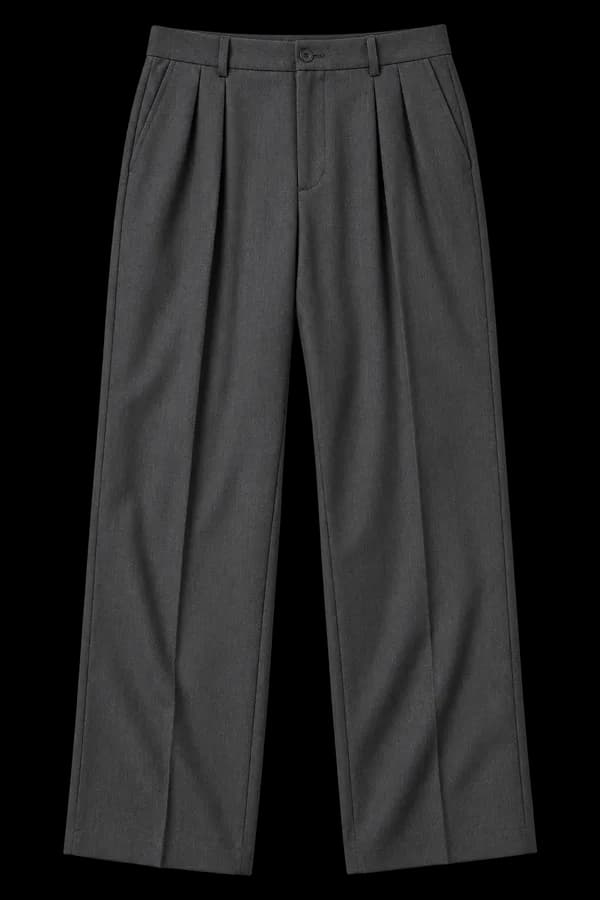
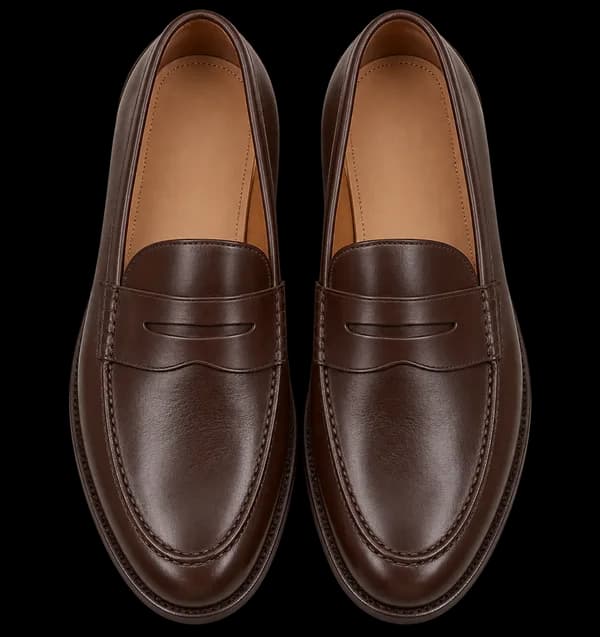
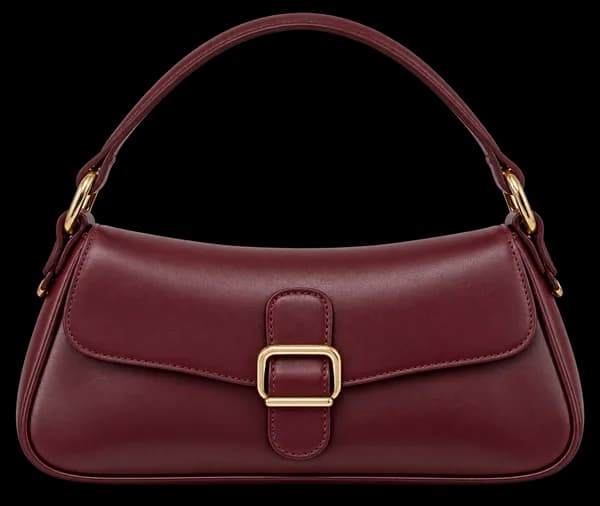
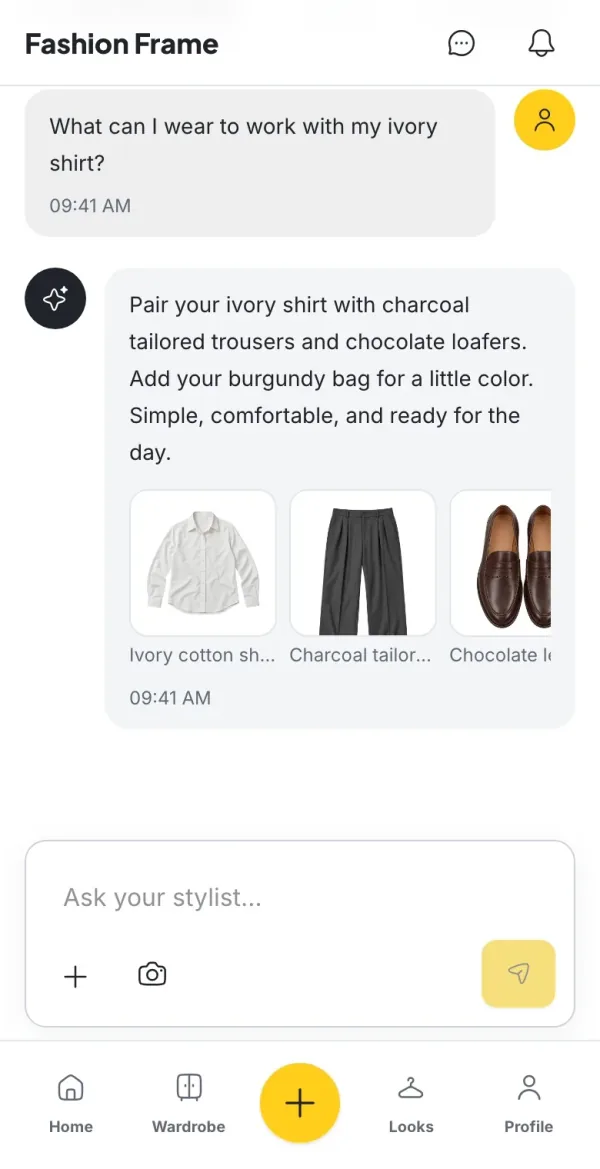
Same closet, new plans
Your stylist works with the pieces you already own. Change the plan and the outfit changes with it.
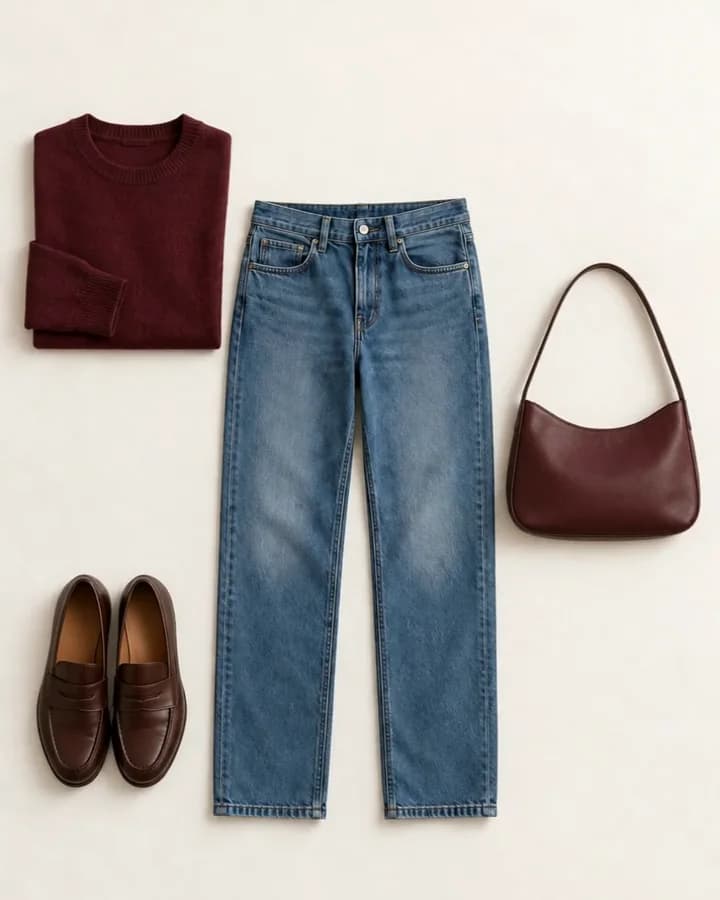
Start with a few favorites
No need to photograph your whole closet. Add the pieces you wear most and build from there.
- Step 01
Add a few pieces
Snap or upload a photo of something you wear often. Fashion Frame suggests the details, and you check them before the piece joins your wardrobe.
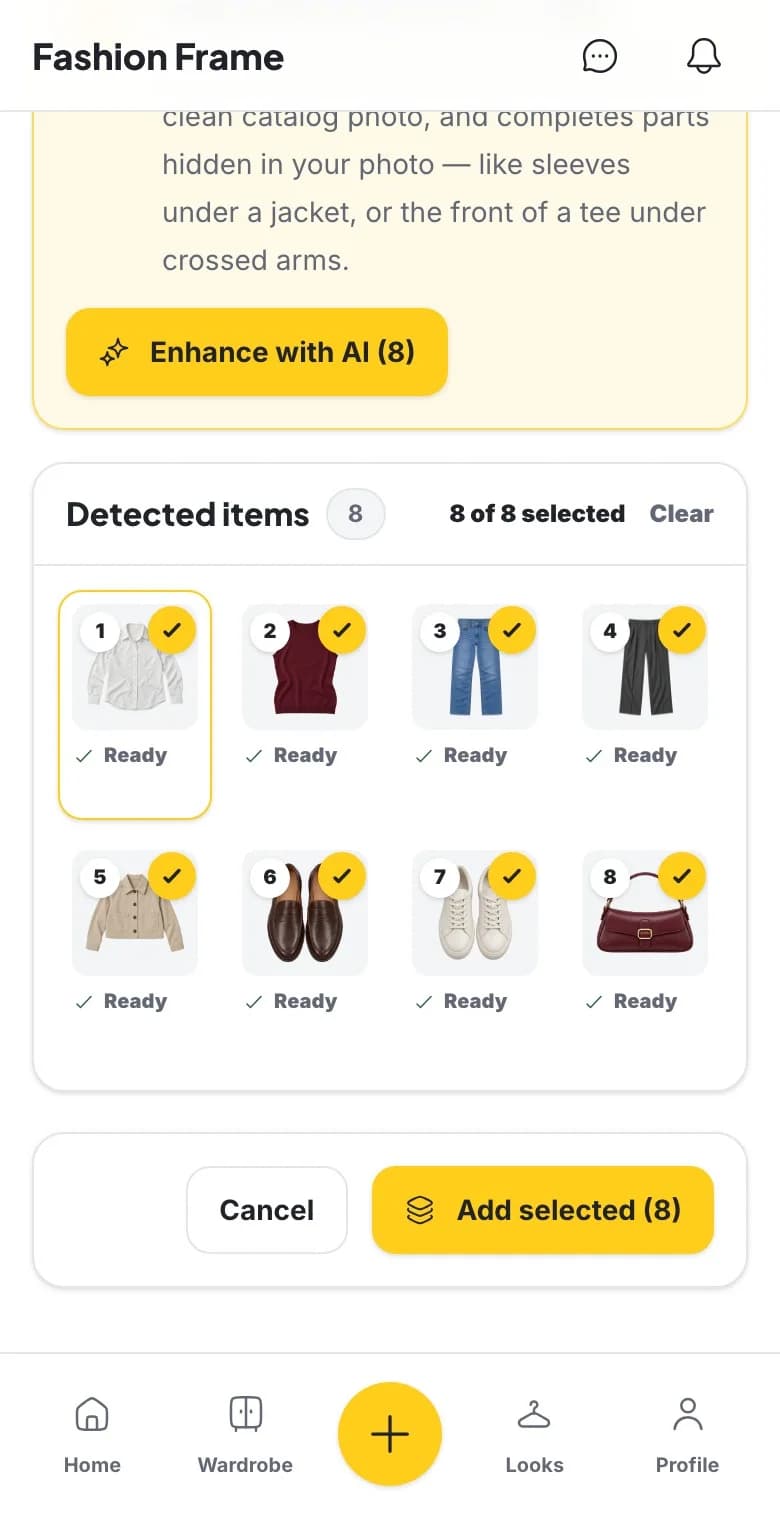
- Step 02
Say where you’re headed
Work, dinner or a slow Saturday. Tell the AI stylist the plan and get a look built from the clothes you own.
Easy plans today. What should I wear?
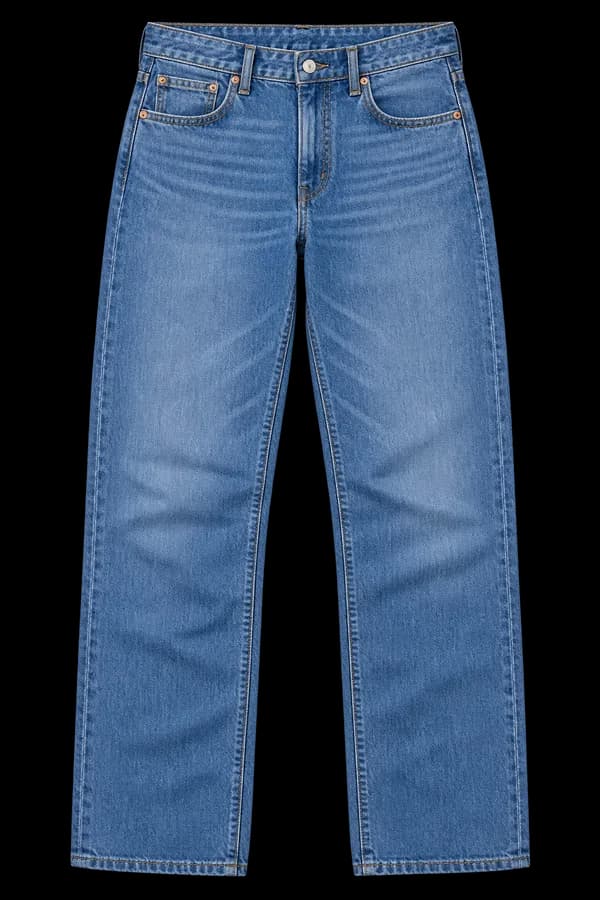
Ivory cotton shirt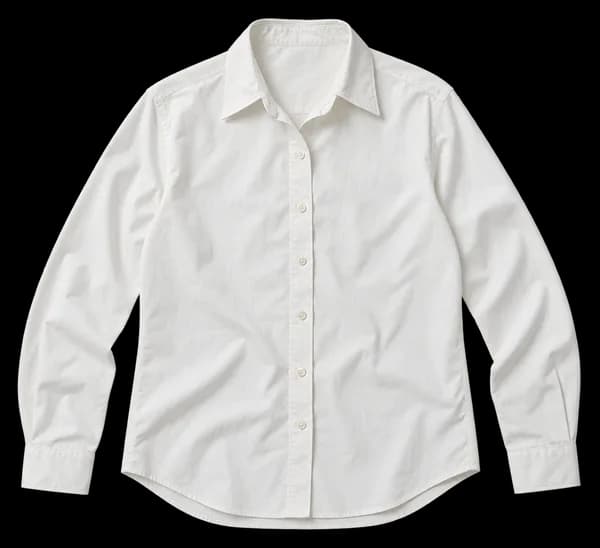 Straight-leg blue jeans
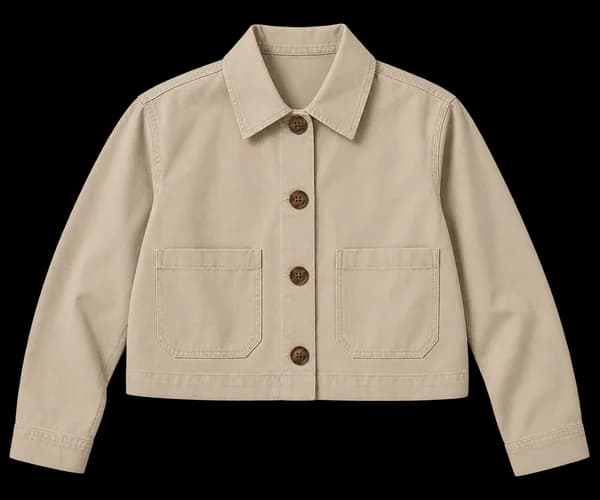
 Sand light jacket
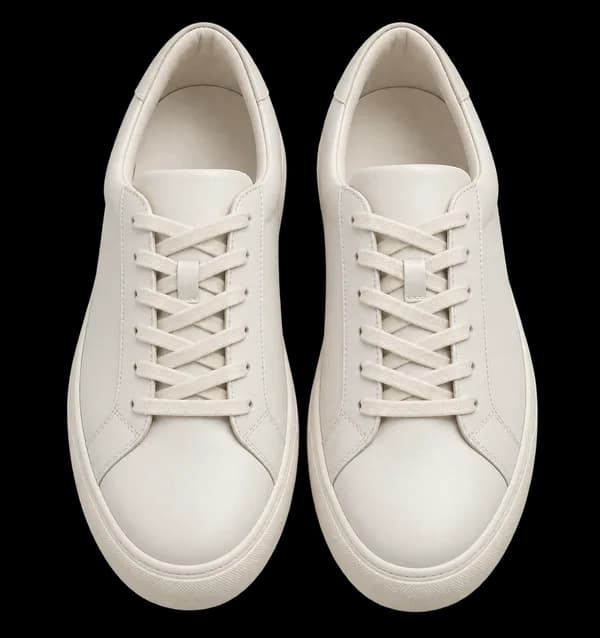
 Ivory sneakers
 Easy layers, out the door.
Your ivory shirt and blue jeans, with the sand jacket on top. Sneakers keep it relaxed.
- Step 03
Save it for the week
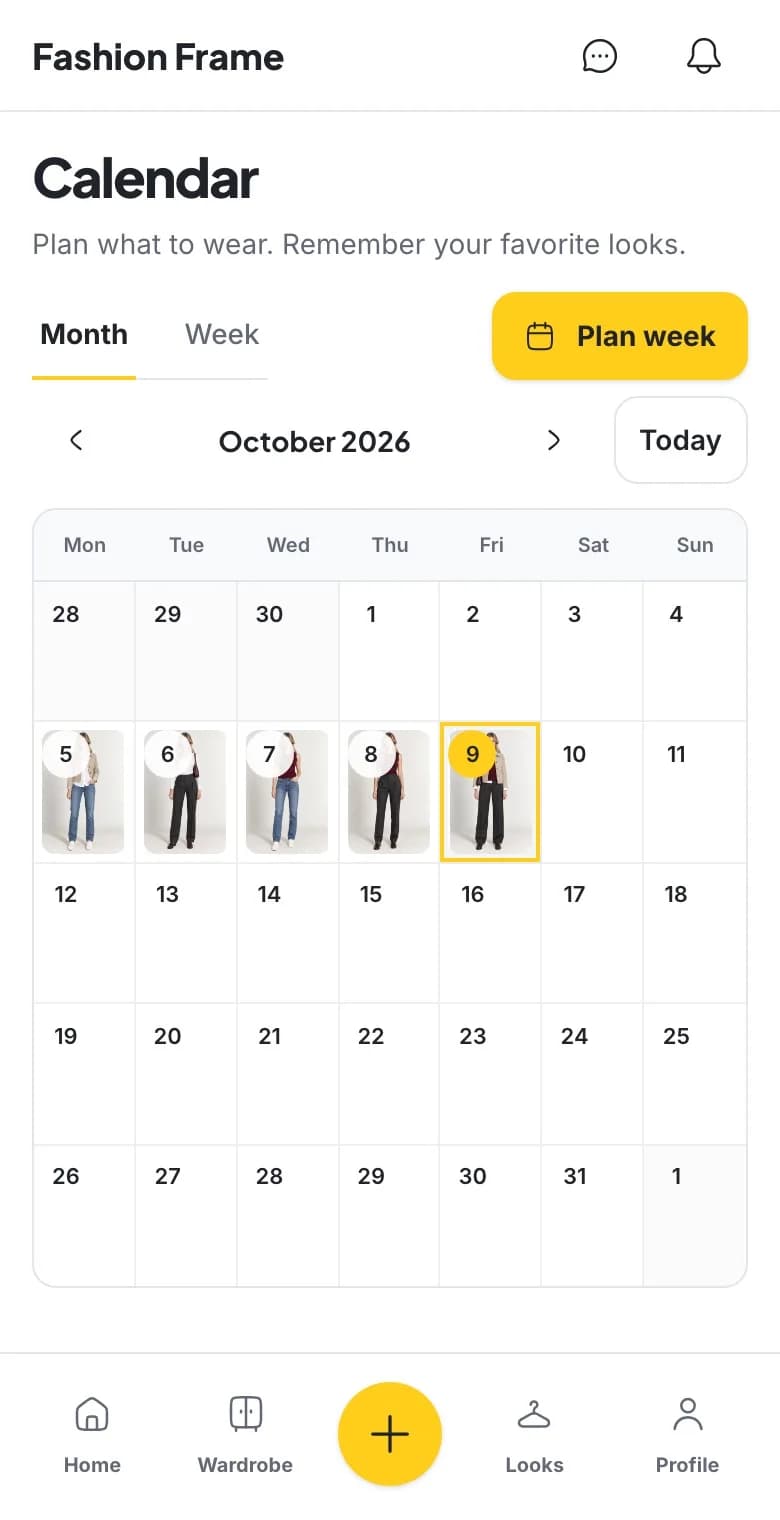
Keep the looks you love, put them on your Calendar, and come back to them whenever you need an easy yes.
See it on you before you wear it
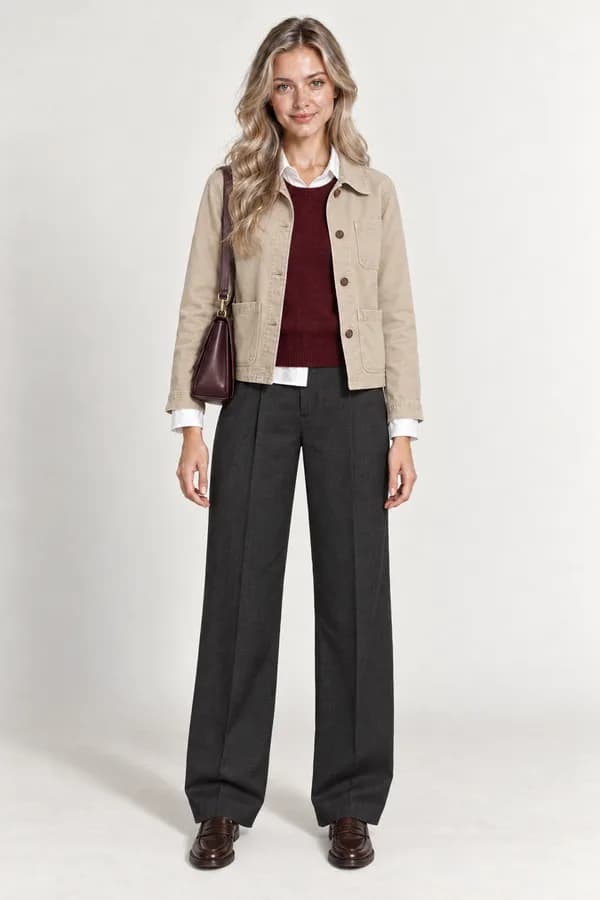
Add a full-body photo, pick pieces from your wardrobe, and get a preview of the outfit on you. Not sure yet? Swap a piece and try another combination.
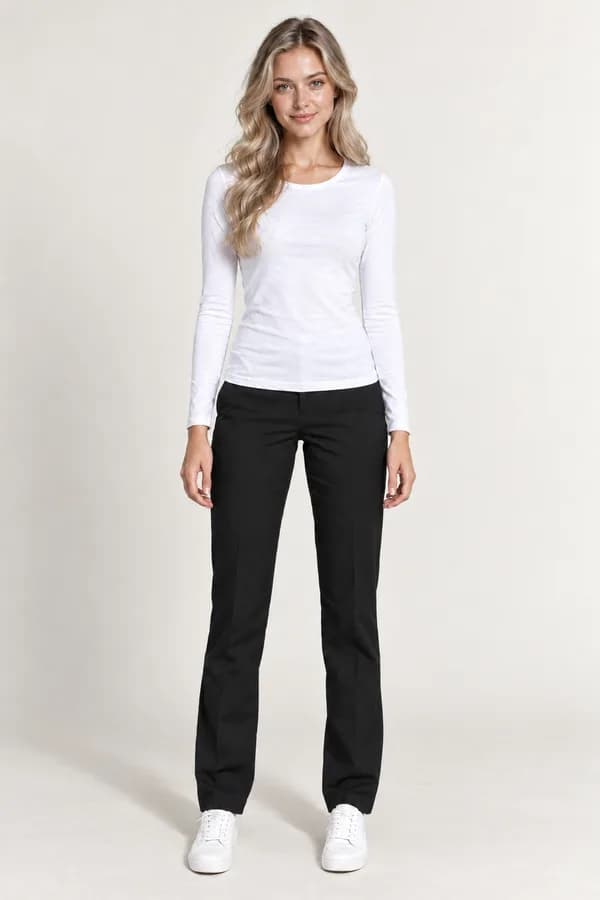 Your photoOne full-body shot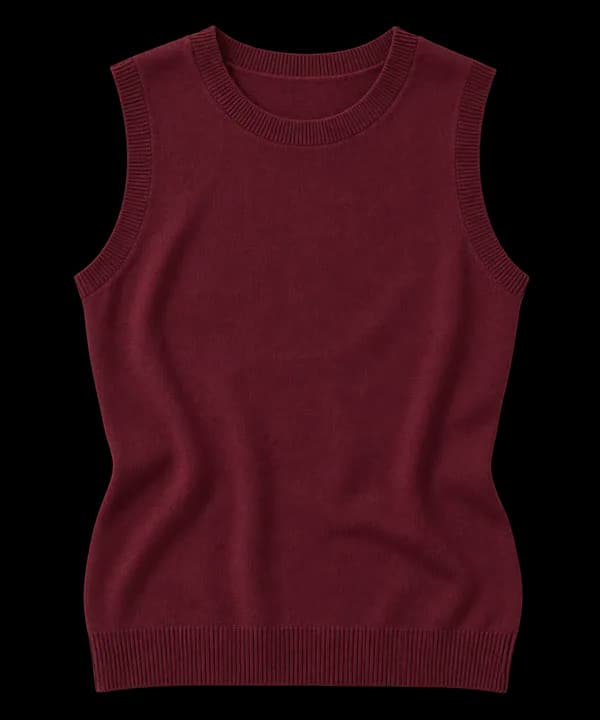
Questions and answers
What is Fashion Frame?
Fashion Frame is an AI personal stylist, digital wardrobe, and outfit planner for the clothes you already own. Add your pieces, ask what to wear, and preview looks with virtual try-on.
Is Fashion Frame free?
You can start for free. The Free plan includes a monthly allowance of AI credits for outfit ideas and stylist messages, and paid plans add more when you want it. See Pricing for details.
How long until it's actually useful?
Start with a few pieces you wear often. Review the details suggested from your photos, then ask the AI stylist in Chat or use Dress me in Looks to put an outfit together.
Do I need to upload photos?
Upload clothing photos to build your wardrobe. AI suggests garment details for you to review and edit. Add a personal photo if you want to preview a look on yourself with virtual try-on.
Does it work for my style?
Fashion Frame styles any aesthetic from the clothes you already own: streetwear, formal, minimal, and modest or hijab-friendly looks. It works with your wardrobe, not a fixed template.
Is my wardrobe private?
Yes. Your wardrobe and personal photos are stored privately, never sold, and never used to train public models. You can delete your account and all your data at any time.
How does virtual try-on work?
You choose clothes and a personal photo, and Fashion Frame generates a preview so you can see the look before wearing it.
Is there a mobile app?
Yes. Fashion Frame is available on the web, iPhone and Android. Get it on the App Store or Google Play.